
Table of Contents
- Understanding the Custom 3D Ordering Process
- 3D Printing File Requirements and Formats
- How Much Does Custom 3D Printing Cost
- Choosing Materials, Quality, and Lead Times
- How to Hire a 3D Designer for Your Project
- Design-for-Manufacturing Basics for Beginners
- Cost-Optimization Strategies for Custom Orders
- Getting Your Instant Quote and Placing Your Order
Last Updated: August 24, 2026
Understanding the Custom 3D Ordering Process
Ordering custom 3D designs is straightforward: upload your design, review the quote, select materials and quality settings, and place your order. The printer then brings your vision to life. What makes this different from mass-produced items is that each step allows for customization based on your specific needs.
Most ordering systems work in real time. Upload your file and within seconds you'll see an instant quote, allowing you to make adjustments without delays. Understanding what information the printer needs upfront, file format, dimensions, material choice, and quality level, prevents delays and ensures satisfaction.
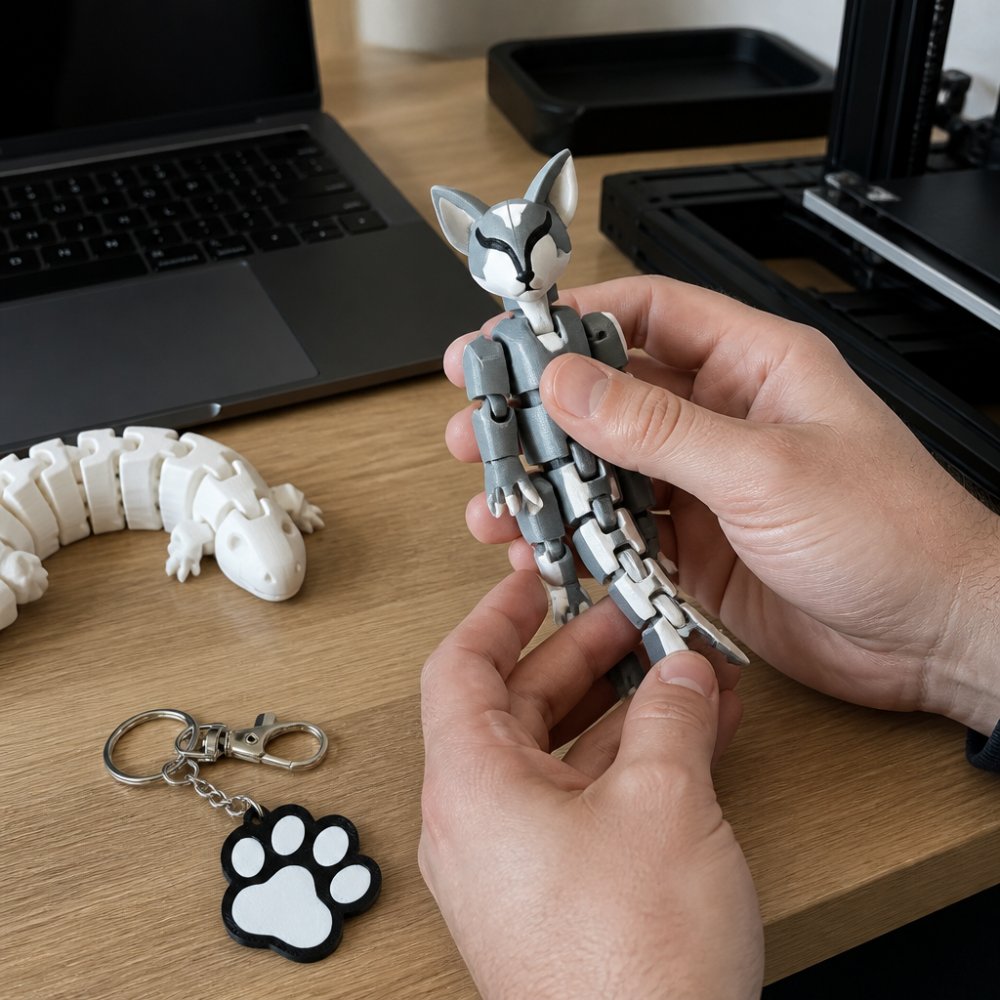
3D Printing File Requirements and Formats
Your 3D model file is the blueprint for everything that follows. A file that looks perfect on your screen might have hidden issues that cause printing problems.
Common File Formats (STL, OBJ, STEP)
STL (Stereolithography) is the industry standard for 3D printing. This format breaks your model into thousands of tiny triangles, which the printer uses to build your object layer by layer. STL files work with virtually every 3D printing service because they're simple and widely supported.
OBJ (Wavefront Object) format preserves more detail than STL, including color and texture information. If your custom 3D design includes multiple colors or complex surface details, OBJ files capture that information better. However, not all 3D printing services accept OBJ files, so always check before uploading.
STEP (Standard for the Exchange of Product Data) files are common in professional engineering and CAD work. They preserve original design parameters and are excellent for precision manufacturing. If you're ordering production-grade parts, STEP files often provide the best accuracy.
Most 3D printing services, including Bandit's Print Den, accept STL files as the primary format. Free online converters can transform other formats into STL without losing critical details.

Preparing Your 3D Model for Print
Before uploading, your model needs to be print-ready.
Wall thickness is critical. If walls are too thin, they'll break during printing or come out fragile. Most services recommend a minimum wall thickness of 0.8mm to 1mm (peer-reviewed research). Thick walls make prints stronger but increase cost and weight.
Infill density refers to how solid your object is inside. A 100% infill means completely solid, while 20% infill means mostly hollow with a lattice structure. For desk accessories and collectibles, 15-20% infill is usually sufficient (peer-reviewed research). For functional parts experiencing stress, use 40-50%. Lower infill saves money without sacrificing durability for most use cases.
Support structures are temporary scaffolding the printer creates to hold overhanging parts. Some designs need extensive supports, adding cost and material waste. Orienting your model differently during upload often reduces or eliminates supports. A good 3D printing service will show you the print orientation and support structure before you pay.
Non-manifold geometry refers to models with gaps, holes, or internal faces that confuse the printer. Free tools like Netfab or Fusion 360 can automatically repair these issues. Most ordering systems flag this instantly and won't let you proceed until it's fixed.
Always preview your file in the 3D printing service's upload interface before confirming your order. You'll see exactly how the printer interprets your design, including support structures and layer orientation.
How Much Does Custom 3D Printing Cost
Cost depends on four main factors: material, size, complexity, and speed.
Material choice is usually the biggest cost driver. Resin printing materials tend to cost more per unit volume than FDM plastics but deliver finer detail and smoother surfaces. A small articulated figure might cost just a few dollars in material, while larger projects cost significantly more.
Size matters directly. A 2-inch printed figure costs far less than a 12-inch version because it uses less material. However, the relationship isn't linear, a figure twice as tall might use four times as much material because volume scales with the cube of linear dimensions.
Complexity affects both material usage and print time. Simple geometric shapes print faster than intricate articulated figures with dozens of moving parts. Complex designs also require more support structures, adding material cost.
Lead time influences pricing. Rush orders typically cost more. Standard production usually takes 5-10 business days, while expedited orders might arrive in 2-3 days at a premium price.
At Bandit's Print Den, we offer free shipping on orders over $35, making smaller custom items more accessible. For a single small printed figure, you're typically looking at a reasonable price point that justifies the uniqueness of custom work.
Choosing Materials, Quality, and Lead Times
Once you've confirmed your design is print-ready, decide on material, quality level, and timeline.
Selecting Print Quality and Resolution
Layer height is the thickness of each individual layer the printer deposits. Smaller layer heights (0.025mm to 0.05mm) produce finer detail and smoother surfaces but take longer to print (peer-reviewed research). Larger layer heights (0.1mm to 0.2mm) print faster but result in visible layer lines.
For collectible figures and display pieces, choose the finest layer height available. For functional parts or items handled roughly, standard layer height is adequate and saves time and cost.
Surface finish depends on material and post-processing. Resin prints naturally have smoother surfaces than FDM plastic. Some services offer sanding, painting, or coating options that transform a raw print into something gallery-quality, though these add cost.
Material selection impacts perceived quality. Resin prints feel more premium and durable than some plastics. Standard PLA plastic is affordable and reliable but can feel less substantial. For gifts or display pieces, investing in better material pays dividends.
Most 3D printing services show previews at different quality settings. Compare these previews carefully, the difference between "good" and "excellent" is often visible and worth the extra cost for items you care about.
Understanding Lead Times and Shipping
Lead time is how long from placing your order to your print being ready to ship. Most standard orders ship within 5-10 business days. Expedited printing can cut this to 2-3 days but costs more.
Shipping itself typically takes 2-5 business days depending on location and service selected. Free shipping options usually take longer. Factor in both print time and shipping time when choosing your deadline.
Bandit's Print Den offers fast shipping and delivery as standard, meaning your custom order arrives sooner than expected from other providers.
How to Hire a 3D Designer for Your Project
If you have an idea but no digital file, you'll need to work with a designer to bring your vision to life.
Finding the right 3D designer starts with clarity about what you want. Instead of "I want a figure," try "I want a 4-inch tall articulated action figure of my dog, with movable joints at the shoulders and hips, in a sitting pose." This level of detail helps designers understand your expectations and quote accurately.
Freelance platforms like Fiverr, Upwork, and Etsy connect you with 3D designers globally. Look for designers with portfolios matching your style. Get quotes from multiple designers before committing.
Communication is critical. Share reference images, dimensions, and intended use. A good designer will ask clarifying questions and show you drafts before finalizing the file.
Once your designer delivers the final file, you'll have a custom 3D design ready to order from a printing service.
Design-for-Manufacturing Basics for Beginners
Understanding basic design-for-manufacturing principles helps you get better results and avoid costly revisions.
Overhangs are surfaces extending outward without support underneath. Printers struggle with steep overhangs. Designers solve this by angling surfaces gradually or planning support structures.
Thin features like fingers or antennae are prone to breaking. They require thicker walls than you might think. Experienced designers reinforce thin features with subtle thickening that doesn't ruin aesthetics.
Symmetry and balance matter for physical stability. If your design is top-heavy or unbalanced, it might tip over or feel awkward in hand.
Texture and detail can be added without significantly increasing cost. Subtle surface patterns, engraved text, or fine details print beautifully in resin and add personality.
Assembly and articulation require careful planning. If your figure has moving parts, joints need precise sizing so they move smoothly without falling apart.
Work with a designer who has 3D printing experience. They'll automatically design with manufacturability in mind.
Cost-Optimization Strategies for Custom Orders
Smart choices can reduce cost without sacrificing quality.
Lower infill density is the easiest cost-saving move. Unless your print will experience heavy use, 15-20% infill is sufficient. This single change can reduce material cost by 30-40%.
Batch ordering saves money if you need multiple copies. Printing five identical figures costs less per unit than printing one.
Choose the right material. Standard FDM plastic is cheaper than specialty resins. Reserve premium materials for items where visual quality matters most.
Optimize dimensions. Slightly smaller designs use less material and print faster. A 3-inch figure costs significantly less than a 4-inch version.
Standard lead times cost less than expedited printing. Plan ahead to take advantage of standard pricing.
Post-processing selectively. Painting, sanding, and coating add cost. If you're comfortable with a raw print finish, skip these steps.
The goal isn't to cut every corner but to spend money on what matters and save where quality won't suffer.
Getting Your Instant Quote and Placing Your Order
Once your file is ready and you've decided on materials and quality settings, the ordering process is straightforward.
Upload your file to the 3D printing service's website. The system automatically analyzes your file for printability issues. If there are problems, you'll see a warning and can fix them before proceeding.
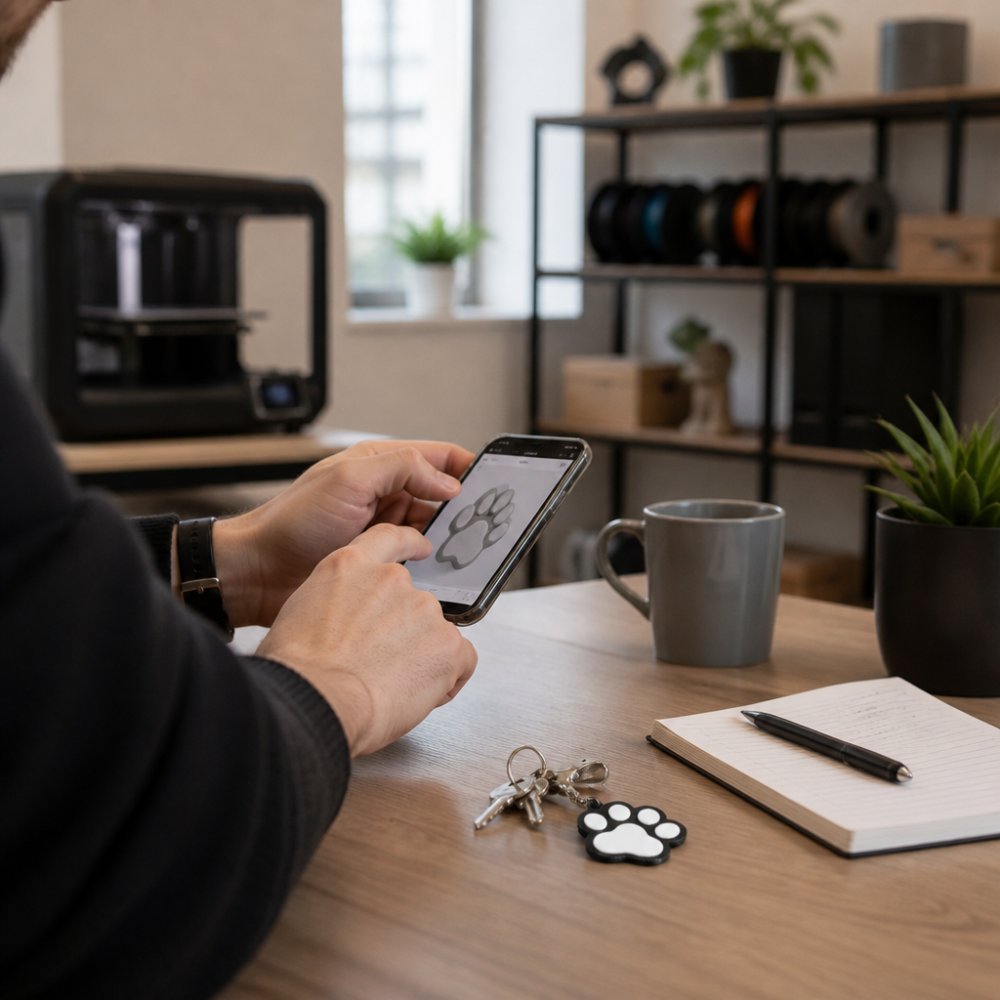
Select your material from available options. Each has different properties, costs, and aesthetics. Read the material descriptions carefully.
Choose your quality level and lead time, balancing cost, speed, and appearance. Review the instant quote, this is the price you'll pay with no surprises. If the quote is higher than expected, adjust material, quality, or size and see the new price immediately.
Customize any additional options like painting or coating if available. Add the item to your cart and proceed to checkout. Enter your shipping address and payment information. Most services accept credit cards and PayPal. Confirm your order and you're done.
After placing your order, you'll receive a confirmation email with tracking information. Most services provide updates as your print progresses.
For Bandit's Print Den, the process is similarly simplified. You can explore our collection of ready-made designs like our Custom NFC Social Media / Vendor Keychain if you want something immediately available, or work with us on fully custom projects. We also offer Bandit's Print Den Gift Cards for those who want to let recipients choose their own custom creation.

Ordering custom 3D designs transforms an idea into a tangible object. The process is accessible, affordable, and faster than most people expect. Whether you're creating a gift, a desk accessory, or a collectible display piece, understanding file requirements, material options, and the ordering workflow removes the mystery. Start with a clear vision of what you want, prepare your file properly, and choose a printing service that prioritizes quality and customer service. Bandit's Print Den specializes in exactly this kind of personalized work, delivering high-quality custom prints with fast shipping and exceptional attention to detail. Get started with a custom order today and see how a professional 3D printing service brings your vision to life.
| Ordering Step | Time Required | Key Decision |
|---|---|---|
| Design preparation or hiring designer | 1-7 days | File format and complexity |
| File upload and quote review | 5-10 minutes | Material and quality level |
| Order confirmation and payment | 5 minutes | Lead time and shipping speed |
| Print production | 3-10 days | Standard vs. expedited |
| Shipping to your address | 2-5 days | Standard vs. express shipping |
Frequently Asked Questions
Can you order custom 3D prints with your own design file?
Yes. You can order custom 3D designs by uploading your own CAD file in formats like STL, OBJ, or STEP. Most 3D printing services, including Bandit's Print Den, accept file uploads and will analyze your model for printability before providing a quote. If you don't have a file, you can work with a designer to create one, or describe your vision and let the service help you refine the design.
What file formats are required for custom 3D printing?
The most common formats are STL (Stereolithography), OBJ (Wavefront), and STEP (Standard for the Exchange of Product Data). STL is the industry standard for 3D printing because it represents geometry as a mesh of triangles. OBJ files work similarly but can include color and texture data. STEP files preserve more design detail and are preferred for precision parts. Before uploading, check with your printing service about which formats they accept.
How much does custom 3D printing typically cost?
Custom 3D printing costs depend on material, size, complexity, and print quality. Resin printing and FDM printing offer different price points, with resin typically offering finer detail at higher cost. Batch production and larger volumes reduce per-unit cost. Bandit's Print Den offers free shipping on orders over $35, and provides instant quotes based on your file upload, so you can see exact pricing before committing.
How long does it take to receive a custom 3D printed order?
Lead times vary based on current queue, complexity, and material choice. Most services provide estimated delivery dates during the quoting process. Bandit's Print Den prioritizes fast shipping and has a track record of delivering before anticipated dates. If you need your order by a specific date, communicate that requirement during checkout so the team can confirm feasibility.
This article was written using GrandRanker
0 comments